
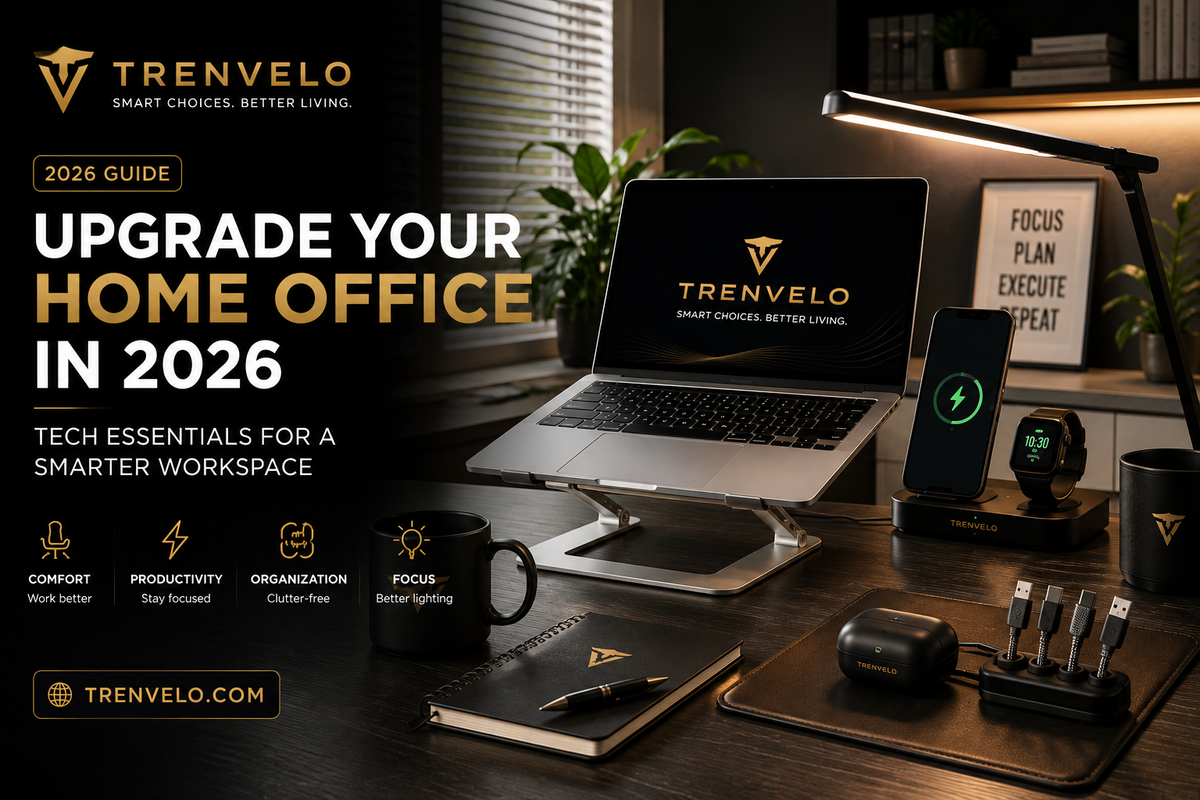
Your Home Office Deserves a 2026 Upgrade
The home office is no longer a temporary arrangement. For remote workers, freelancers, students, and creators, it has become a permanent part of daily life. And yet, many people are still working from setups that were thrown together quickly — uncomfortable, cluttered, and not designed to support long, focused hours.
A better workspace does not require a full renovation. The right combination of practical tech and thoughtful accessories can transform a corner of your home into a genuinely productive environment. This guide covers the key upgrades worth making in 2026, with recommendations suited to remote professionals, students, and anyone who spends significant time at a desk.
Ergonomic Improvements: Invest in Comfort First
The single most impactful upgrade to any home office is improving ergonomics. Poor posture and an uncomfortable setup lead to fatigue, distraction, and longer-term physical strain. The good news is that useful ergonomic improvements do not have to be expensive.
A laptop stand that raises your screen to eye level is one of the simplest and most effective changes you can make. Combined with a separate keyboard and mouse, it helps prevent the neck and shoulder strain that comes from hunching over a flat laptop for hours. Monitor arms and adjustable desk risers take this further, giving you precise control over your screen position throughout the day.
If you spend most of your day at a desk, getting the ergonomics right is the best investment you can make — ahead of any other accessory.
Laptop and Desk Accessories That Actually Help
A clean, well-equipped desk makes a measurable difference to focus and workflow. The accessories that genuinely earn their place are the ones that reduce friction in everyday tasks.
A high-quality USB-C hub or docking station is essential for anyone working with a modern laptop. A single connection point for your monitor, keyboard, mouse, storage, and power simplifies your setup and reduces the cable clutter that builds up on a busy desk. For video calls, a decent external webcam and a simple clip-on ring light are small investments that significantly improve how you present yourself professionally.
Desk organisation accessories — cable clips, monitor shelves, and small storage trays — keep everything tidy and within reach without taking up unnecessary space.
Charging and Cable Organisation
Cables are the enemy of a clean workspace. A single tangled mess of charging cables can make even a tidy desk feel chaotic. Solving this problem is straightforward with the right tools.
A multi-port charging station placed at the edge of your desk keeps all your devices — phone, earbuds, smartwatch, tablet — charged and ready without dominating your workspace. Wireless charging pads are particularly convenient for phones, eliminating the need to plug and unplug throughout the day.
Cable management clips, adhesive cable holders, and under-desk cable trays take the mess out of sight entirely. It is a small change with a disproportionately large impact on how your workspace feels.
Explore practical charging and cable accessories in the Trenvelo Tech Gadgets collection.
Lighting: One of the Most Underrated Productivity Tools
Lighting has a direct effect on focus, eye strain, and overall wellbeing during long work sessions. Many home offices rely on overhead lighting that is too harsh, too dim, or creates unflattering shadows on video calls.
A dedicated desk lamp with adjustable brightness and colour temperature is one of the easiest upgrades available. Being able to shift from cooler, energising light during focused work to warmer light in the afternoon and evening supports natural energy rhythms. For video calls, placing a soft light source in front of you (rather than behind) immediately improves your on-screen appearance.
Smart bulbs in a home office lamp or overhead fitting add the convenience of app or voice control, letting you adjust your environment without interrupting your flow.
Useful Productivity Technology
Beyond the physical setup, a few technology choices can meaningfully improve how productively you work from home.
Wireless keyboards and mice reduce cable clutter and allow flexible positioning. Noise-cancelling earbuds or headphones are invaluable for deep focus work or calls in environments that are not perfectly quiet. A simple digital timer or physical productivity tool can help maintain structured work blocks throughout the day.
The goal is not to accumulate more gadgets but to identify the specific friction points in your daily workflow and address them deliberately.
Portable Accessories for Flexible Working
Not every working day happens at the same desk. Whether you work from a coffee shop, a co-working space, or a different room at home, portable accessories that pack away easily are worth having.
A compact laptop stand that folds flat, a travel-friendly keyboard, a portable power bank for longer sessions away from a socket, and a lightweight cable organiser pouch keep your kit together and ready to go. The best portable accessories are the ones that work just as well at home as they do away from it.
Creating a Clean, Comfortable Workspace
The physical environment you work in affects your mental state more than most people realise. A cluttered, poorly lit, uncomfortable space creates background stress that chips away at focus and motivation over the course of a day.
The goal is a workspace that signals to your brain that it is time to work: clear surfaces, good lighting, everything you need within reach, and distractions minimised. You do not need to spend a lot of money to achieve this. Thoughtful organisation, a few key accessories, and a consistent setup routine make a bigger difference than any single expensive purchase.
Build Your Ideal Home Office with Trenvelo
A smarter workspace starts with smart choices. Browse the Trenvelo Tech Gadgets collection for practical home office accessories designed to improve your setup without overcomplicating it. Or explore our New Arrivals for the latest additions to the range.
Smart choices. Better living — starting right at your desk.